

Add a day
1
Open Route
Open the trip and go to Route.
2
Click Add a day
Click Add a day, or open a day’s ⋯ menu and choose Add a day after day N.
3
Choose the town
Answer Which town is the new day in? with the same town, or Another town.
4
Add it
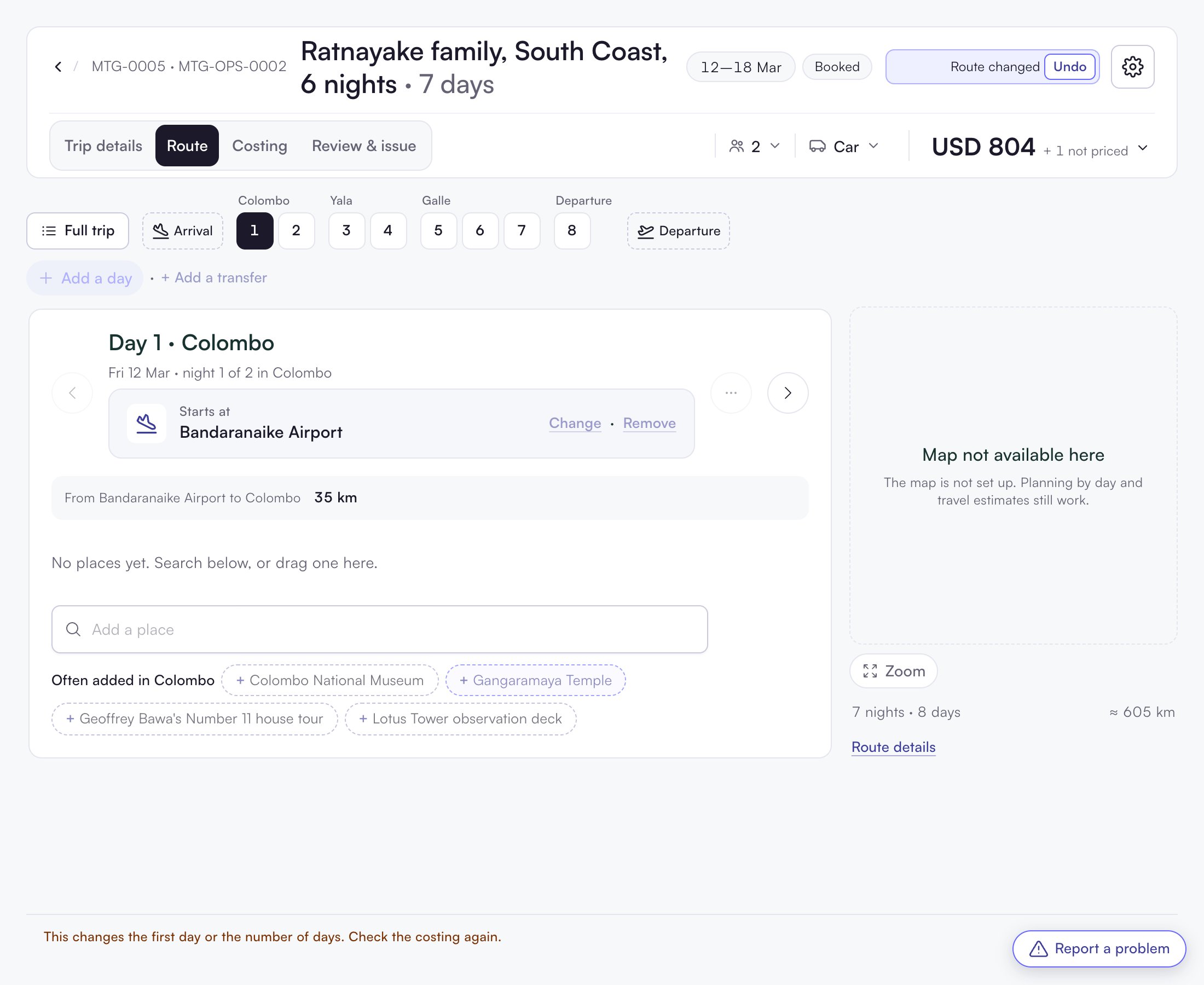
Click Add the day. The header shows Route changed with Undo.
Remove a day
- Open the day’s ⋯ menu (More for day N).
- Choose Remove day N.
- Confirm in Remove day N?.
Check the costing again
After a change of days you see: “This changes the first day or the number of days. Check the costing again.”- Hotels: the stay in that town gets one more or one less night. Check the price.
- Vehicle: it asks “The trip’s days changed. Still 605 km?”. Click Distance is right or Change distance.
- Day text: days that moved may say Text out of date ›.